From the Wow Labz team
The entire team at Wow Labz sends its warmest wishes on your special day.
As a birthday gift, we are giving you your very first look at LaborLink - something built with a great deal of care and excitement.
TestFlight Access
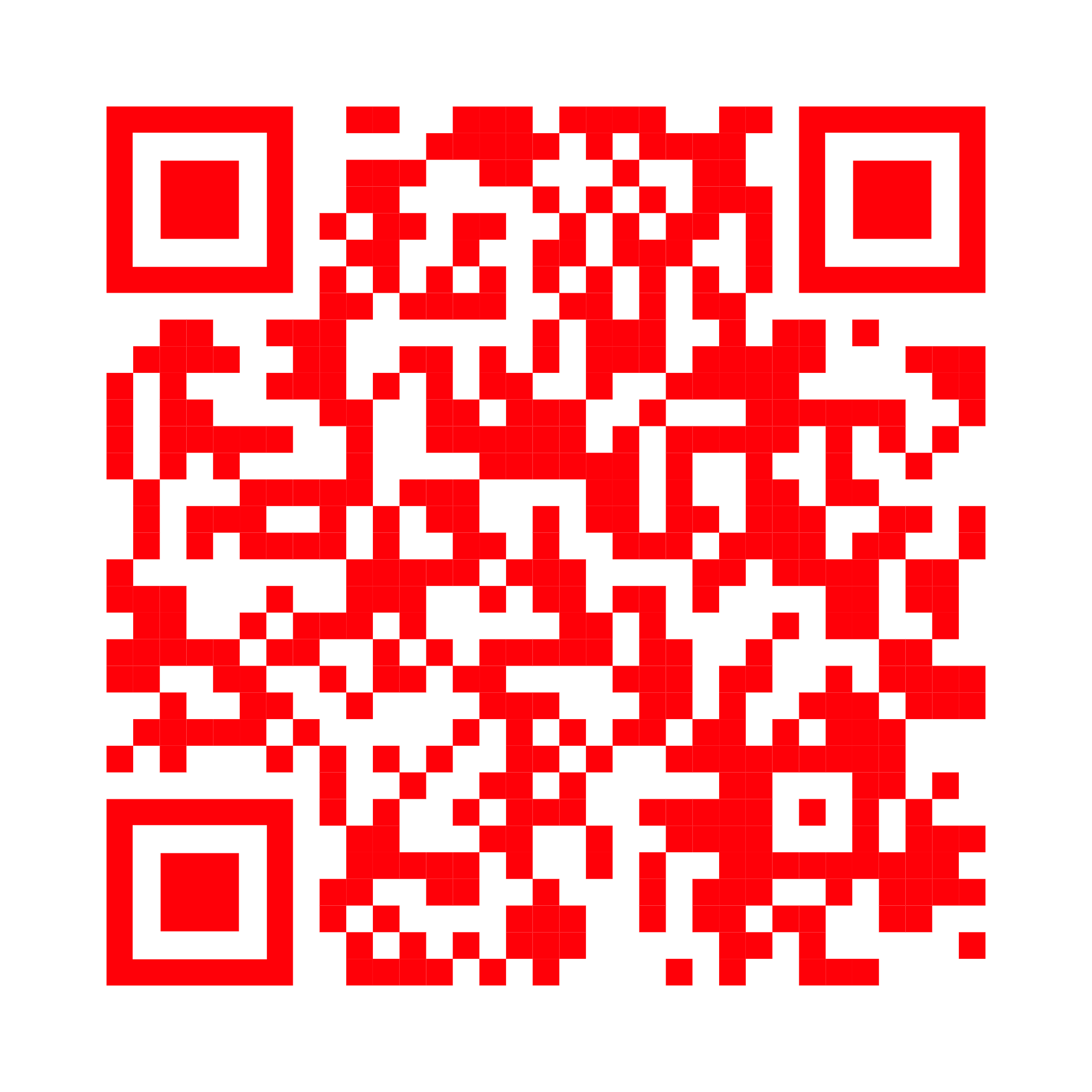
Scan a QR code below to install either LaborLink app directly on your iPhone
Find your next opportunity. Browse jobs, apply with one tap, and get hired - all from your phone.
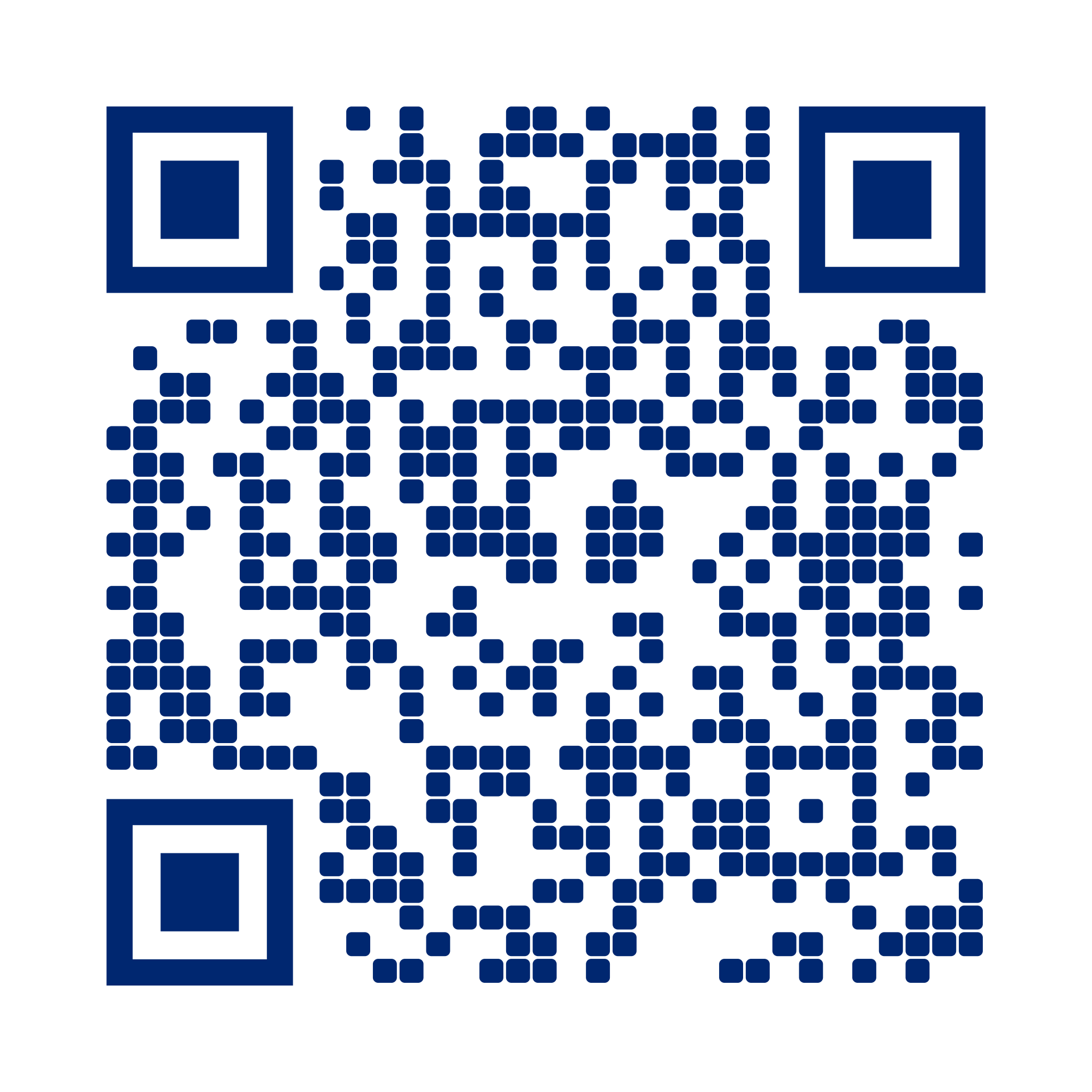
Scan to install on iOS

Post jobs, review candidates, and hire the right talent for your business - fast and simple.
Scan to install on iOS
What to Expect
Once your coordinator adds your email, here is exactly what you will receive
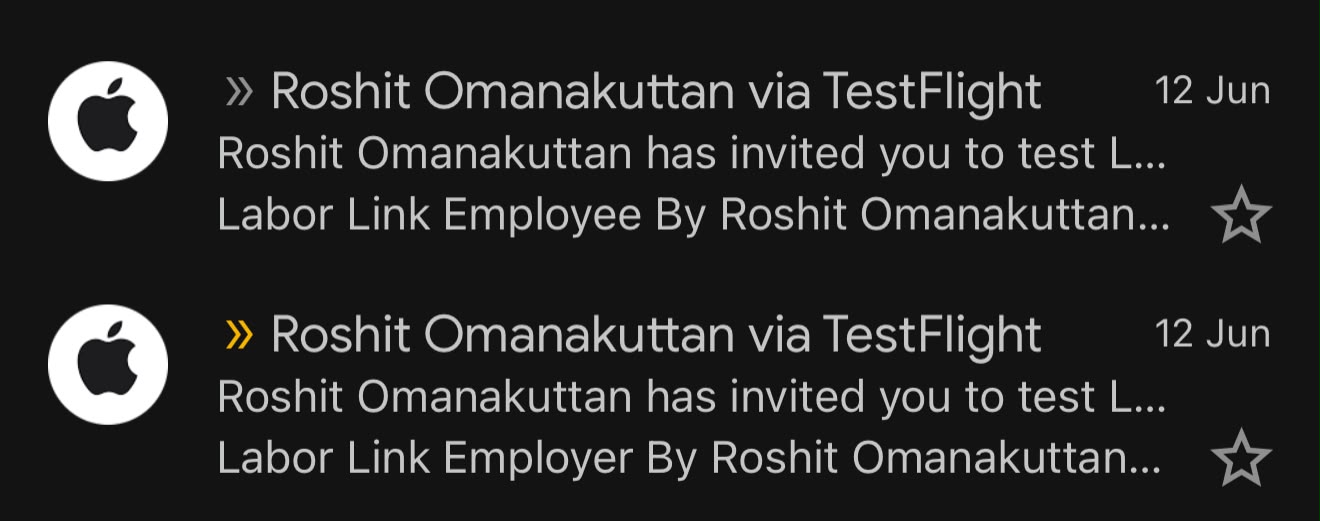
Email Inbox
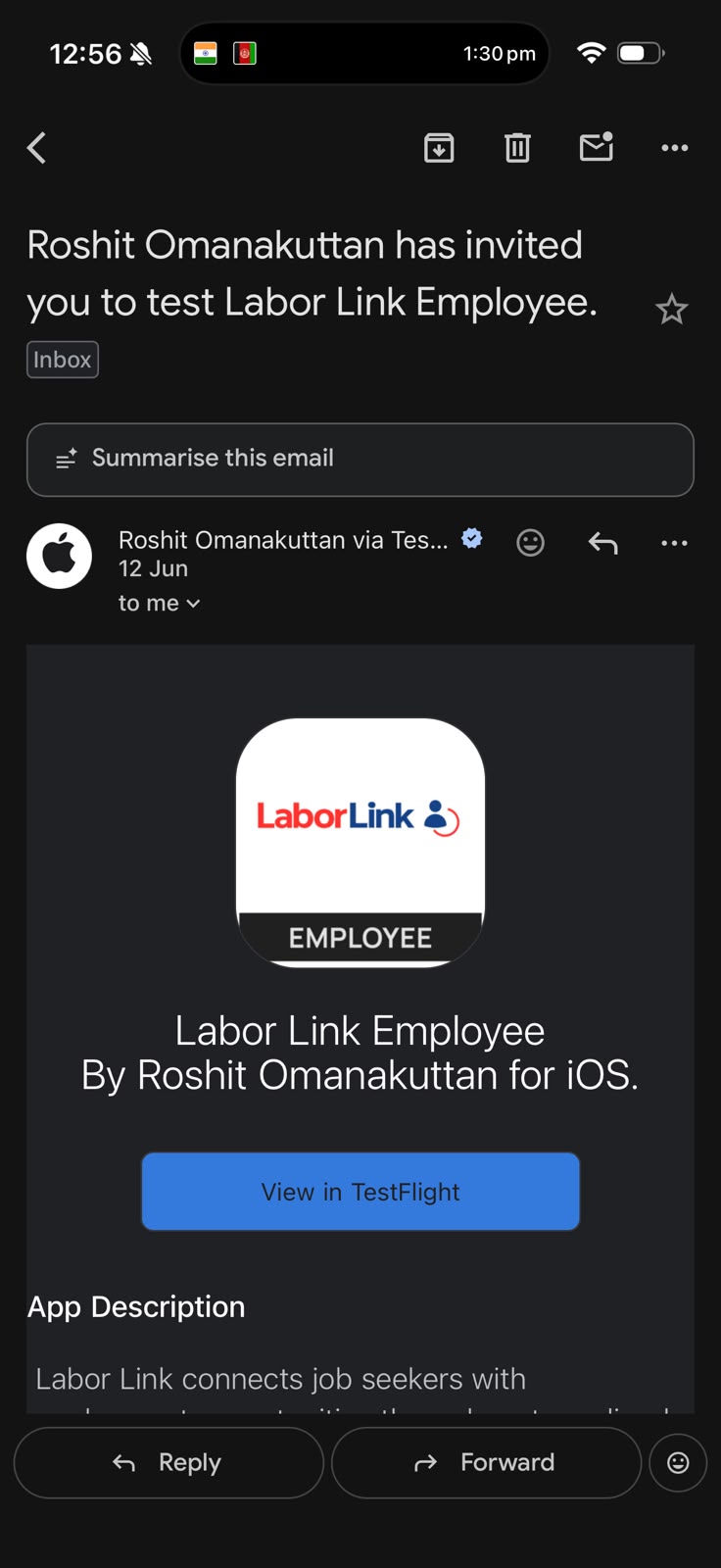
Employee App Invite
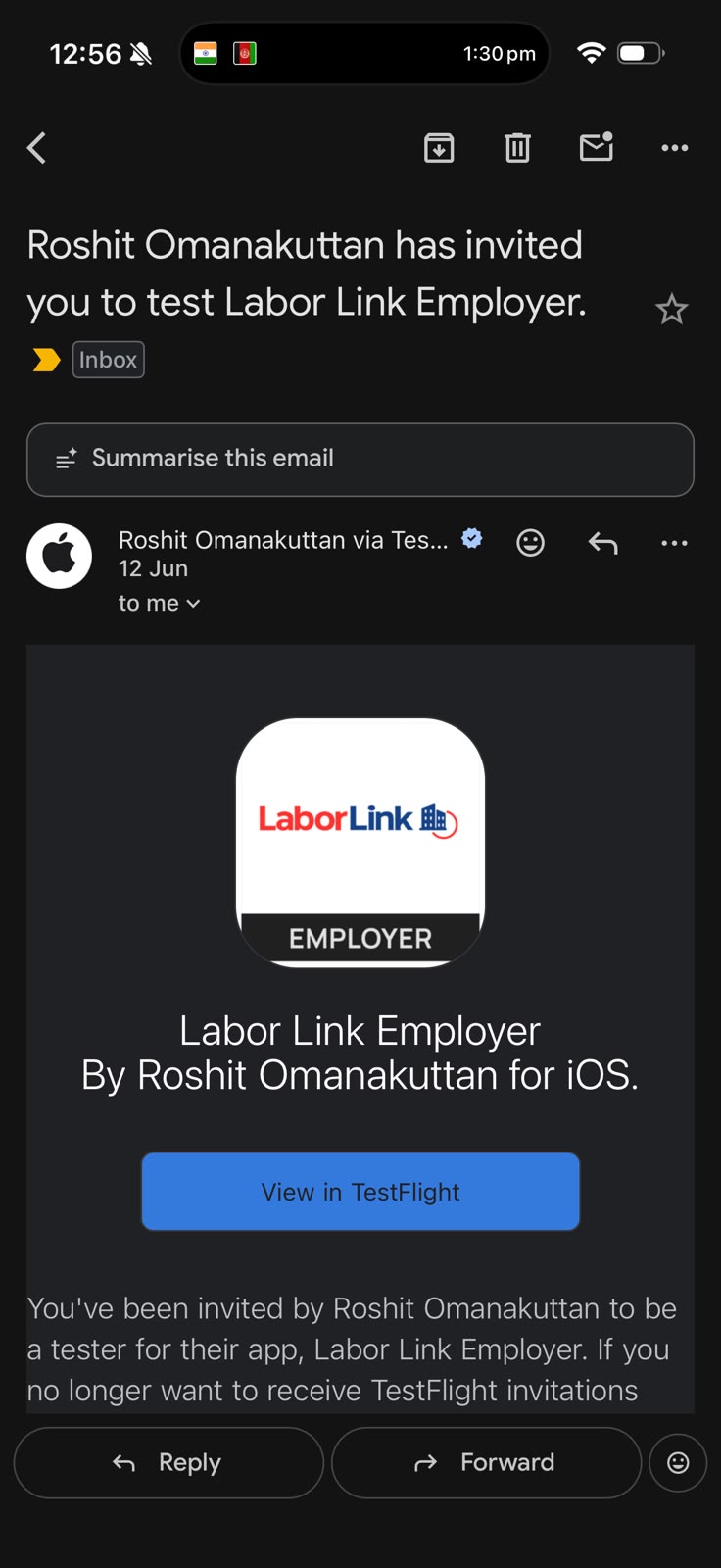
Employer App Invite
Step by Step
Open abhilash.shansi@gmail.com and look for two emails from Roshit Omanakuttan via TestFlight. They will arrive shortly after your coordinator adds your email.
Tap the "Labor Link Employee" email. Tap "View in TestFlight" to proceed.
If you do not have TestFlight yet, you will be taken to the App Store first. It is Apple's free beta platform and takes under a minute.
Both LaborLink Employee and LaborLink Employer will be waiting in your app list.
Tap "Install" next to LaborLink Employee, wait for the download, then tap "Open".
Inside the app, search for "Wow Resorts" and submit your application. Welcome to the LaborLink experience.